Attributes of HTML
HTML attributes provide additional information about HTML elements.
Attributes of HTML
- All HTML elements can have attributes
- Attributes provide additional information about elements
- Attributes are always specified in the start tag
- Attributes usually come in name/value pairs like: name="value"
The href Attribute
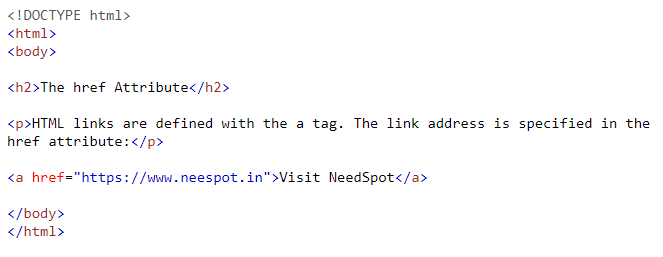
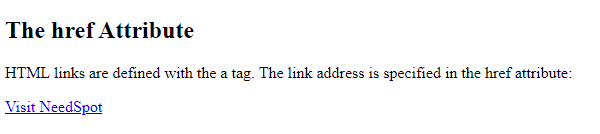
The <a> tag defines a hyperlink. The href attribute specifies the URL of the page the link goes to:
Syntax:
Output:
The src Attribute
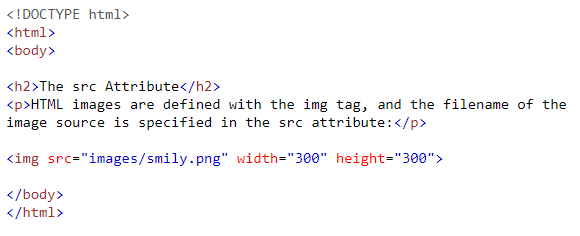
The <img> tag is used to embed an image in an HTML page. The src attribute specifies the path to the image to be displayed:
Syntax:
Output:

The width and height Attributes
The <img> tag should also contain the width and height attributes, which specify the width and height of the image (in pixels):
The alt Attribute
The required alt attribute for the <img> tag specifies an alternate text for an image, if the image for some reason cannot be displayed. This can be due to a slow connection, or an error in the src attribute, or if the user uses a screen reader.
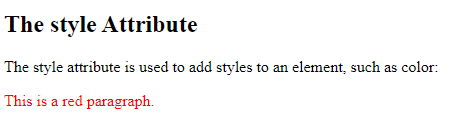
The style Attribute
The style attribute is used to add styles to an element, such as color, font, size, and more.
Syntax:

Output:
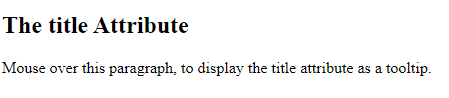
The title Attribute
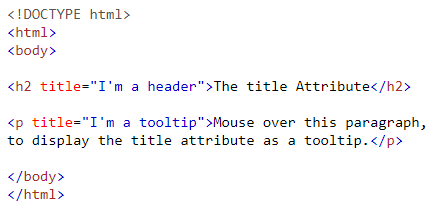
The title attribute defines some extra information about an element.
The value of the title attribute will be displayed as a tooltip when you mouse over the element:
Syntax:
Output: